Knowledge Management: Explained
Introduction
Knowledge management is the systematic process of capturing, organizing, and sharing information within an organization. In 2026, it has evolved from a niche HR function to a strategic business engine that fuels decision‑making, customer service, and product development. By consolidating disparate data sources—emails, documents, chat logs, and AI‑generated insights—companies can reduce duplication, accelerate onboarding, and maintain institutional memory even as talent moves on. Modern knowledge management systems blend powerful search, AI enrichment, and collaboration tools to create a single source of truth that is accessible across devices and departments. This guide breaks down the core concepts, highlights the top software features, and shows how to implement a knowledge management strategy that delivers measurable ROI.
What Is Knowledge Management?
At its simplest, knowledge management (KM) is the practice of turning raw information into actionable knowledge. According to Zendesk’s 2026 guide, KM involves gathering data, storing it in a structured way, and making it discoverable for teams. The goal is to empower employees to find the right answers quickly, reduce reliance on subject‑matter experts, and foster continuous learning.
Key Features of 2026 KM Software
Research from Upland Software lists the top 13 features that modern KM platforms must offer:
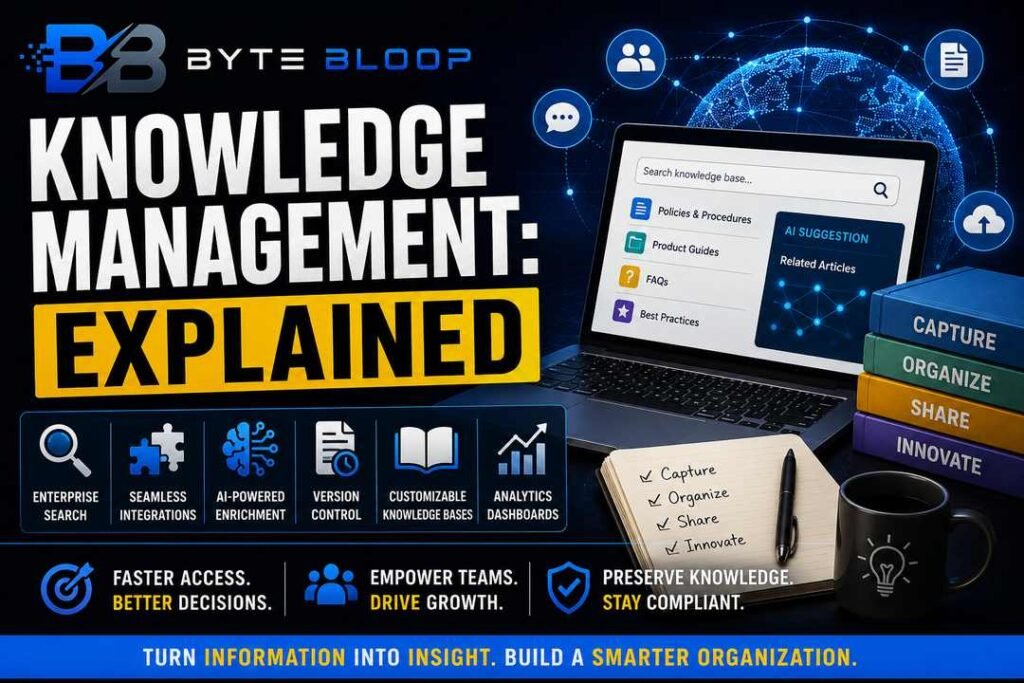
- Enterprise‑wide search that indexes documents, chat transcripts, and knowledge articles.
- Seamless integrations with collaboration, CRM, and support tools for omni‑channel excellence.
- AI‑powered content enrichment that auto‑tags, summarizes, and recommends related knowledge.
- Version control and audit trails to track changes and ensure compliance.
- Customizable knowledge bases for internal wikis, customer help centers, and partner portals.
- Analytics dashboards that reveal usage patterns and content gaps.
These capabilities turn a static repository into a dynamic knowledge ecosystem that grows with the organization.
Why KM Matters in 2026
Companies that invest in KM see faster onboarding, lower support costs, and higher employee engagement. Gartner’s 2026 reviews show that enterprises with mature KM practices report a 20‑30% reduction in time spent searching for information. Moreover, AI‑driven knowledge bases can surface best practices in real time, enabling teams to innovate faster.
Practical Use Cases
1. Customer Support: A knowledge base integrated with Zendesk can cut ticket resolution time by up to 40%. 2. Product Development: Engineers reference shared design patterns and code snippets, reducing duplication and accelerating releases. 3. Compliance: Regulatory teams maintain up‑to‑date policy documents with version control, ensuring audit readiness.
Implementing a KM Strategy
Start with a clear goal—whether it’s improving support, accelerating product cycles, or preserving institutional memory. Map the knowledge lifecycle: creation, curation, distribution, and retirement. Choose a platform that supports the features most relevant to your goal, and prioritize user adoption by offering training and quick‑start templates.
Pros and Cons
Pros: Faster information retrieval, reduced knowledge silos, improved employee productivity, and a foundation for AI initiatives.
Cons: Initial setup can be resource‑intensive, requires ongoing governance, and success depends heavily on user engagement.
Choosing the Right Tool
When evaluating options, consider the balance between enterprise‑wide search, AI enrichment, and integration depth. Gartner’s 2026 review recommends evaluating platforms like Bloomfire, Document360, and Bit.ai for their robust analytics and AI features. For smaller teams, lightweight wikis such as Confluence or Notion can serve as a cost‑effective starting point.
Key Takeaways
- Enterprise‑wide search is the backbone of modern KM systems.
- AI enrichment turns static content into actionable insights.
- User adoption drives ROI—training and quick‑start templates are essential.
- Analytics reveal content gaps and usage patterns for continuous improvement.
Frequently Asked Questions
What is knowledge management explained?
Knowledge management is the process of capturing, organizing, and sharing information within an organization to improve decision‑making and operational efficiency.
What are the key features of modern KM software?
Key features include enterprise‑wide search, seamless integrations, AI‑powered content enrichment, version control, customizable knowledge bases, and analytics dashboards.
What are the best use cases for knowledge management?
Common use cases are customer support, product development, compliance, and onboarding—any area where quick access to accurate information drives value.
What are the pros and cons of implementing a KM system?
Pros include faster information retrieval, reduced silos, and improved productivity; cons involve upfront setup effort, ongoing governance needs, and reliance on user adoption.
Conclusion
Based on the available information and industry analysis, knowledge management provides a strategic advantage by turning dispersed data into actionable insights, accelerating decision‑making, and fostering a culture of continuous learning. Organizations that adopt AI‑enhanced, integrated KM platforms can expect measurable reductions in support costs, faster product cycles, and stronger compliance postures, positioning themselves for sustained growth in the digital economy.
Related Reading
- Top 5 Knowledge Management Tools for 2026