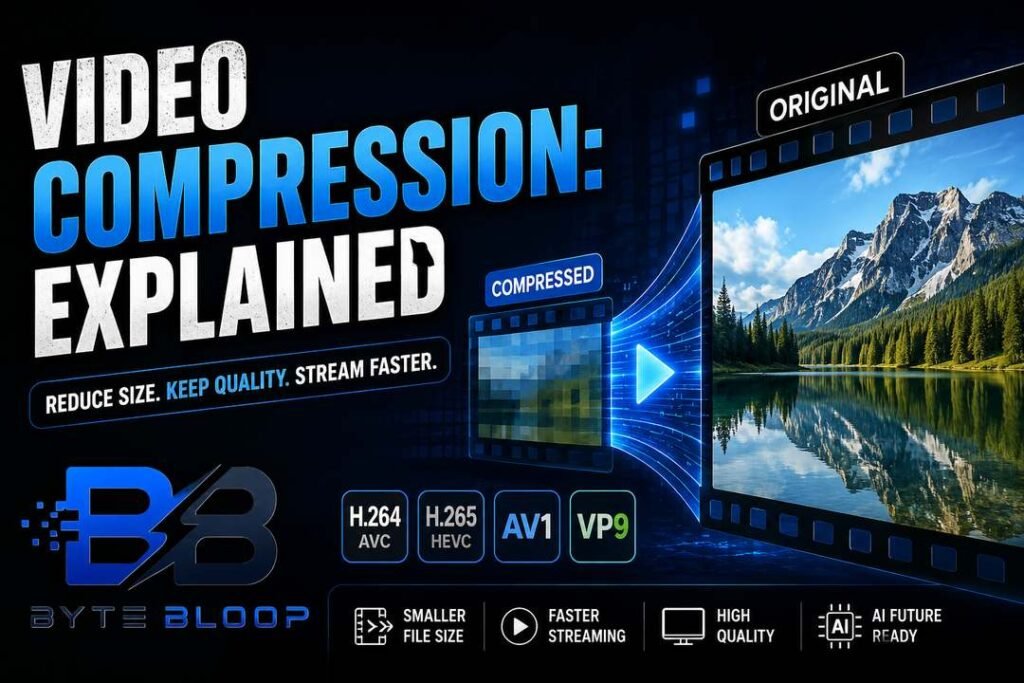
Video Compression: Explained
Introduction
Video compression is the process of reducing the amount of data required to represent a video, enabling faster upload, lower storage costs, and smoother streaming. The core idea is to eliminate redundancy—both within a single frame (spatial) and across successive frames (temporal)—while preserving the visual experience. Modern codecs such as H.264, H.265, and the newer AV1 use sophisticated algorithms to achieve high compression ratios, often shrinking a 4K movie to a few hundred megabytes. This balance of size and quality is crucial for content creators, broadcasters, and everyday users who share videos on social media or stream them online. Understanding how compression works helps you choose the right settings for your project, avoid artifacts, and meet platform requirements. The technology behind it has evolved from simple lossless schemes to hybrid models that combine lossless and lossy techniques, and even machine‑learning‑based encoders that promise near‑lossless quality at lower bitrates. As bandwidth demands grow, mastering video compression becomes essential for anyone working with digital media.
How Compression Works
At its heart, compression removes redundant information. Intra‑frame compression looks at a single frame and applies spatial techniques like discrete cosine transforms (DCT) to group similar pixels. Inter‑frame compression, on the other hand, predicts motion between frames, encoding only the differences. The result is a set of reference frames and motion vectors that can be reconstructed during playback. Lossy compression discards data that is less perceptible to the human eye, while lossless compression keeps every bit intact. Hybrid codecs use both approaches to maximize efficiency.
Key Codecs in 2026
H.264 (AVC) remains the industry standard for its wide compatibility and solid performance. H.265 (HEVC) offers roughly double the compression of H.264 but requires more processing power. AV1 is the latest royalty‑free codec, delivering 30–40% better compression than H.265 and gaining traction in streaming services. VP9 from Google is another competitor, especially in YouTube’s ecosystem. Each codec balances bitrate, quality, and computational cost differently.
Choosing the Right Settings
When encoding, you’ll encounter parameters such as bitrate, resolution, frame rate, and keyframe interval. A higher bitrate generally improves quality but enlarges the file; the optimal value depends on the target platform. Resolution should match the intended playback device—1080p for most web videos, 4K for premium content. Frame rate affects motion smoothness; 30fps is standard for social media, while 60fps is preferred for gaming or sports. The keyframe interval determines how often a full frame is stored; shorter intervals help with error recovery but increase file size.
Practical Tips for Content Creators
- Use a two‑pass encoder to optimize bitrate distribution: the first pass analyzes the video, the second pass applies the best compression.
- Leverage variable bitrate (VBR) instead of constant bitrate (CBR) for dynamic scenes—VBR allocates more bits where needed.
- Apply a moderate quantization parameter (QP) to balance quality and size; a QP of 28–32 is common for 1080p uploads.
- Consider using a modern codec like AV1 if your audience uses up‑to‑date browsers or devices.
- Test playback on multiple devices to catch artifacts early.
Future Trends
Machine‑learning‑based encoders are emerging, promising near‑lossless quality at lower bitrates by learning patterns in video data. Research published in 2024 shows that these models can outperform traditional codecs on specific content types, such as high‑motion sports footage. However, they require powerful GPUs and longer encoding times, limiting their adoption for real‑time streaming. Meanwhile, hardware acceleration for AV1 is improving, making it more viable for consumer devices.
Key Takeaways
- Video compression reduces file size by removing spatial and temporal redundancy.
- Hybrid codecs like H.265 and AV1 balance quality with smaller bitrates.
- Choosing the right bitrate, resolution, and keyframe interval is crucial for optimal results.
- Two‑pass encoding and variable bitrate improve quality without unnecessary bloat.
- Machine learning is the next frontier, offering higher efficiency at the cost of complexity.
Frequently Asked Questions
What is video compression explained?
Video compression is the technique of reducing the amount of data needed to represent a video while preserving visual quality, enabling faster transmission and lower storage costs.
What are the key features of modern codecs?
Modern codecs use spatial and temporal redundancy removal, offer lossy or hybrid compression, and support variable bitrate to adapt to scene complexity.
What are the best use cases for AV1?
AV1 is ideal for high‑definition streaming on the web, especially where bandwidth is limited and devices support the codec, such as 4K streaming services and future mobile browsers.
What are the pros and cons of using two‑pass encoding?
Pros include optimized bitrate allocation and higher perceived quality; cons are increased encoding time and the need for additional storage during the first pass.
Conclusion
Based on the available information and industry analysis, video compression continues to be a cornerstone of digital media delivery, balancing file size and visual fidelity. As codecs evolve, creators and platforms must adapt to new standards like AV1 and machine‑learning‑based encoders to meet growing bandwidth demands while maintaining user experience. By understanding core principles and practical settings, professionals can produce efficient, high‑quality videos that perform well across devices and networks.
Related Reading
- Choosing the Right Codec for Your Video Projects