Document Management: Explained
Introduction
Document management is more than just digital filing; it’s a strategic approach to handling every business document from creation to retirement. A document management system (DMS) centralizes files, enforces security protocols, and tracks changes, ensuring compliance and efficiency. Modern DMS platforms go beyond passive storage, integrating search, workflow automation, and metadata tagging to turn static documents into actionable assets. For small and medium enterprises, a robust DMS can reduce manual labor, cut costs, and improve collaboration across departments. In an era where data breaches and regulatory fines are costly, secure document handling is not optional but essential. This guide unpacks the core components of a DMS, explores real‑world use cases, and highlights what to look for when selecting a solution for your organization.
What Is a Document Management System?
A DMS is a business application that stores, organizes, and protects digital documents throughout their lifecycle. It provides a single source of truth, allowing users to retrieve, edit, and share files with confidence. Key capabilities include version control, audit trails, role‑based access, and integration with other enterprise tools.
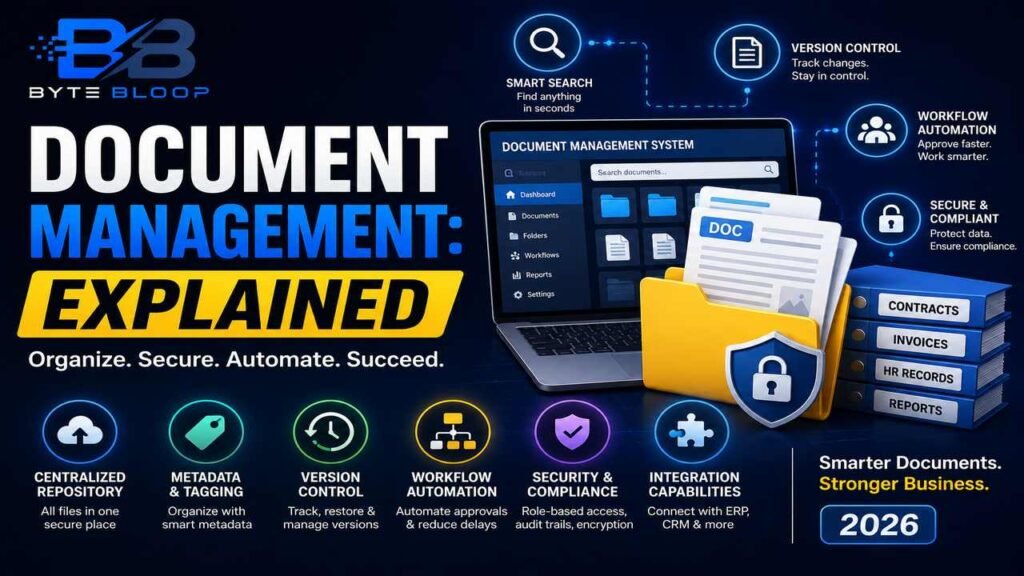
Core Features to Expect
- Centralized Repository – All files live in one searchable location.
- Metadata & Tagging – Structured data fields that make retrieval fast and accurate.
- Version Control – Automatic tracking of edits and rollback options.
- Workflow Automation – Custom approval chains that reduce bottlenecks.
- Security & Compliance – Encryption, audit logs, and role‑based permissions.
- Integration Capabilities – Seamless connections to ERP, CRM, and cloud storage.
Practical Use Cases
1. Contract Management – Automate review cycles, store signed copies, and trigger renewal alerts.
2. Human Resources – Centralize employee records, onboarding documents, and policy manuals.
3. Financial Reporting – Securely archive invoices, budgets, and audit files with strict retention schedules.
4. Marketing Assets – Store brand guidelines, campaign assets, and media kits with controlled access.
Pros and Cons
- Pros – Enhanced search, reduced paper waste, compliance assurance, and improved collaboration.
- Cons – Initial setup cost, learning curve, and potential integration challenges.
Choosing the Right DMS for Your Business
When evaluating options, consider these factors:
- Scalability: Will the system grow with your file volume?
- Ease of Use: Is the interface intuitive for non‑technical staff?
- Security Standards: Does it meet industry regulations (GDPR, HIPAA, etc.)?
- Integration Ecosystem: Does it connect to your existing tools?
- Cost Structure: Look for transparent licensing, cloud vs. on‑prem, and support fees.
Examples of Leading DMS Solutions in 2026
• Zoho WorkDrive – Offers robust collaboration and cloud‑native storage with a flexible pricing model.
• FileCenter – Known for advanced workflow automation and strong security features.
• AscendWork – Popular in India for its localized support and compliance‑ready architecture.
• Viewpoint Analysis platforms – Provide enterprise‑grade content management for large organizations.
Key Takeaways
- Centralized storage boosts efficiency and reduces paper waste
- Metadata tagging and search cut retrieval time by up to 70%
- Version control and audit trails ensure compliance and traceability
- Workflow automation accelerates approval cycles and reduces manual errors
- Security features protect against data breaches and regulatory fines
Frequently Asked Questions
What is a document management system?
A DMS is a software platform that stores, organizes, secures, and tracks digital documents throughout their lifecycle, providing a single source of truth for an organization.
What are the key features of a DMS?
Core features include a centralized repository, metadata tagging, version control, workflow automation, security controls, and integration with other enterprise tools.
What are the best use cases for a DMS?
Common use cases are contract management, HR onboarding, financial record keeping, marketing asset storage, and any scenario that requires secure, searchable, and collaborative document handling.
What are the pros and cons of implementing a DMS?
Pros: improved search, compliance, reduced paper, and better collaboration. Cons: upfront cost, learning curve, and potential integration complexity.
Conclusion
Based on the available information and industry analysis, a well‑implemented document management system transforms scattered files into a secure, searchable, and collaborative resource that drives operational efficiency and compliance. By selecting a platform that aligns with your organization’s scale, security needs, and workflow requirements, businesses can reduce manual effort, lower risk, and unlock the full value of their digital documents.
Related Reading
- Top 10 Document Management Software for 2026