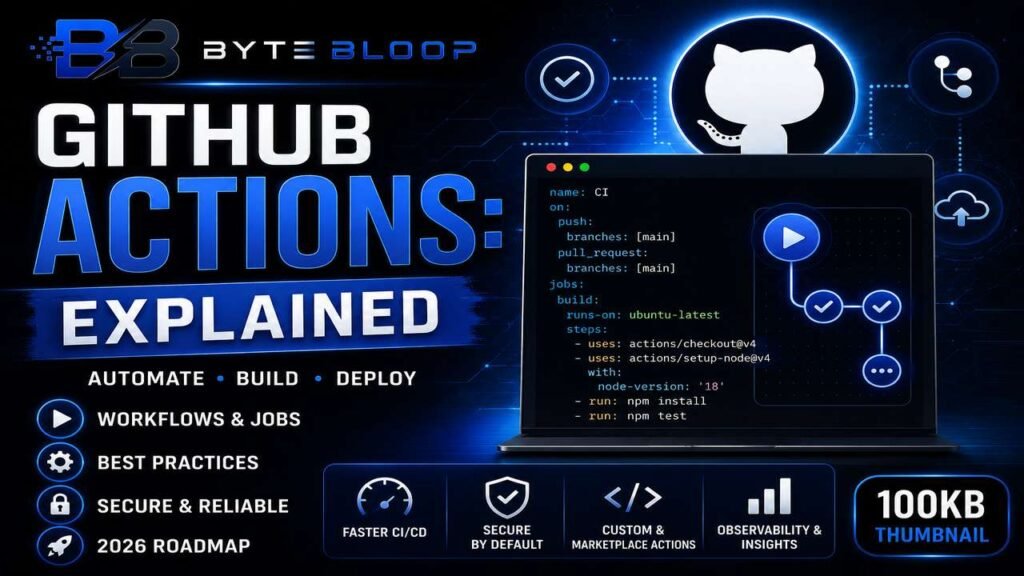
GitHub Actions: Explained
Introduction
GitHub Actions has become the backbone of modern software delivery, allowing developers to automate everything from simple lint checks to complex multi‑environment deployments. At its core, a GitHub Action is a reusable unit of work that can be triggered by events such as pushes, pull requests, or scheduled cron jobs. These actions are defined in YAML files and can be composed into jobs, which run on virtual or self‑hosted runners. By integrating directly into the GitHub UI, Actions eliminate the need for external CI/CD services, streamline version control, and provide a unified view of build status and logs.
Understanding the anatomy of a workflow is essential: the workflow file lives in the .github/workflows directory, and each workflow declares triggers, jobs, and steps. Steps can be built‑in actions (like actions/checkout), community actions from the marketplace, or custom scripts written in Bash, PowerShell, or any language supported by the runner. This modularity means you can mix and match components to fit your project’s needs, whether you’re testing a Node.js library or deploying a Docker container to Kubernetes.
Setting Up Your First Workflow
Start by creating a new file called ci.yml in .github/workflows:
name: CI
on:
  push:
    branches: [main]
  pull_request:
    branches: [main]
jobs:
  build:
    runs-on: ubuntu-latest
    steps:
      - uses: actions/checkout@v4
      - name: Set up Node.js
        uses: actions/setup-node@v4
        with:
          node-version: '18'
      - run: npm install
      - run: npm test
When you push this file, GitHub automatically creates a workflow run. The logs are available in the Actions tab, giving you instant feedback on build failures or test results.
Custom Actions vs Marketplace Actions
Marketplace actions are pre‑built and versioned, making them easy to adopt. However, custom actions give you full control over the code, allowing you to tailor behavior, add environment variables, or enforce security policies. A simple custom action might look like:
name: Echo Message
runs:
  using: composite
  steps:
    - run: echo "${{ inputs.message }}"
      shell: bash
inputs:
  message:
    required: true
    description: 'Message to echo'
Once committed, you can reference it in any workflow: uses: ./.github/actions/echo-message.
Best Practices for Reliable Pipelines
Pin action versions to prevent breaking changes. Use tags like v1 instead of latest. Cache dependencies to speed up builds; GitHub provides built‑in cache actions. Protect secrets by storing them in repository settings and referencing them with secrets.GITHUB_TOKEN. Use self‑hosted runners for workloads that require specialized hardware or network access. Finally, enable workflow permissions to the minimum necessary scope to reduce attack surface.
Common Pitfalls and How to Avoid Them
- Missing
runs-on: Without specifying a runner, the job will fail. Always setruns-on: ubuntu-latestor a self‑hosted label. - Hard‑coding secrets: Never embed API keys in the YAML file. Use the secrets store.
- Not handling exit codes: A step that exits with a non‑zero status stops the job. Capture failures with
continue-on-errorwhen appropriate. - Over‑using the free tier: GitHub’s free minutes are limited for public repos. Monitor usage and consider self‑hosted runners for heavy workloads.
Future‑Proofing with 2026 Roadmap
GitHub’s 2026 roadmap emphasizes secure defaults, policy controls, and CI/CD observability. Expect tighter integration with GitHub Advanced Security, automated vulnerability scanning in workflows, and more granular permission controls. Keeping your workflows up to date with these features will help maintain compliance and reduce the risk of supply‑chain attacks.
Key Takeaways
- GitHub Actions automates CI/CD directly within GitHub, eliminating external services.
- Workflows are defined in YAML and can combine built‑in, marketplace, or custom actions.
- Pinning action versions and caching dependencies improves stability and speed.
- Self‑hosted runners offer flexibility for specialized environments.
- Security best practices include secret management and minimal workflow permissions.
Frequently Asked Questions
What is a GitHub Action?
A GitHub Action is a reusable unit of work that can be triggered by events such as pushes or pull requests, and can be composed into jobs within a workflow.
What are the key features of GitHub Actions?
GitHub Actions supports event‑driven triggers, YAML‑defined workflows, built‑in and marketplace actions, self‑hosted runners, caching, secret management, and integration with GitHub’s security tooling.
What are the best use cases for GitHub Actions?
Common use cases include automated linting, unit testing, building Docker images, deploying to cloud platforms, and running scheduled maintenance tasks.
What are the pros and cons of using GitHub Actions?
Pros: native GitHub integration, free for public repos, extensive marketplace, and easy setup. Cons: limited free minutes for private repos, potential performance bottlenecks on shared runners, and a learning curve for complex YAML configurations.
Conclusion
Based on the available information and industry analysis, GitHub Actions provides a powerful, integrated solution for automating CI/CD workflows directly within GitHub. By leveraging its modular architecture, robust security features, and upcoming roadmap enhancements, teams can build resilient pipelines that scale with their development needs.
Related Reading
- Mastering GitHub Actions for Docker Deployments