Microsoft Designer: Key Features
Introduction (Microsoft Designer Key Features)
Microsoft Designer Key Features is a topic worth understanding well. Microsoft Designer is an AI‑driven design app that blends Microsoft 365’s productivity suite with cutting‑edge generative AI. According to the official support page, it uses DALL‑E technology to transform text prompts into high‑quality images and layouts. The tool is built for both casual creators and professionals, offering a wide range of templates, styles, and branding options. Designers can generate logos, banners, social media posts, and even complex collages with minimal effort.
By integrating seamlessly with Word, PowerPoint, and Outlook, Designer extends creative workflows across Microsoft’s ecosystem. The platform also provides daily boosts to speed up image generation, making it ideal for fast‑paced marketing teams. With its intuitive interface, Designer lowers the barrier to entry for graphic design, allowing users to focus on storytelling rather than technical details. Finally, the app’s AI suggestions adapt to brand guidelines, ensuring consistency across all assets.
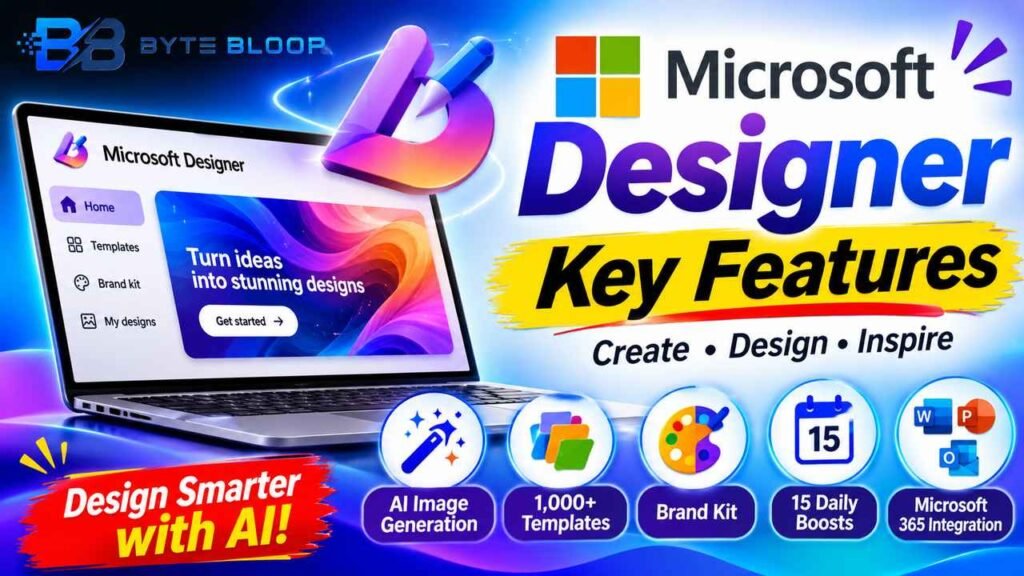
At its core, Designer offers a set of core features that differentiate it from other AI design tools. First, the AI image generation engine can create original visuals from simple text prompts, a capability highlighted in the Microsoft 365 documentation. Second, the platform includes over a thousand ready‑made templates covering formats such as social posts, posters, invitations, and greeting cards. Third, Designer’s brand kit lets users upload logos, colors, and fonts, enabling the AI to produce designs that match brand identity automatically.
Fourth, the daily boost system, announced in July 2024, grants users 15 free AI image creations each day, helping teams maintain high output without incurring extra costs. Fifth, the app’s integration with copilot.microsoft.com” target=”_blank” rel=”noopener noreferrer”>Microsoft Copilot offers advanced editing tools, such as background removal and color palette suggestions.
These features translate into practical use cases across industries. Marketing teams can quickly produce eye‑catching social media graphics that align with brand guidelines. Small business owners can design professional logos and flyers without hiring a designer. Educators can create engaging classroom posters and lesson plans. Even non‑designers can craft polished presentations by simply selecting a template and tweaking the AI‑generated elements. The daily boost feature ensures that high‑volume projects stay on schedule, while the brand kit guarantees visual consistency.
This matters directly for anyone exploring microsoft designer key features.
Despite its strengths, Designer is not without limitations. The AI’s output quality can vary, sometimes requiring manual fine‑tuning. Users may experience occasional lag when generating complex images, especially on lower‑spec devices. The daily boost system, while generous, may not suffice for very large teams or heavy‑traffic campaigns. Additionally, some advanced design features, such as vector editing, remain limited compared to dedicated design software like Adobe Illustrator. However, for most everyday design needs, Designer’s balance of speed, quality, and integration makes it a compelling choice.
Getting microsoft designer key features right can make a real difference.
Pricing for Designer is included with most Microsoft 365 subscriptions, making it accessible to a broad user base. The app’s free tier offers basic features and a limited number of daily boosts, while premium plans unlock additional AI capabilities and increased boost limits. This tiered approach allows users to scale their design resources as their needs grow.
That is a core part of understanding microsoft designer key features.
In summary, Microsoft Designer leverages AI to streamline the creative process, offering a rich set of templates, brand‑aware design tools, and daily boosts. Its tight integration with Microsoft 365 enhances productivity, while its AI engine reduces the time required to produce high‑quality visuals. Whether you’re a marketer, small business owner, or educator, Designer provides a powerful, accessible solution for all your design needs.
Many readers look into microsoft designer key features for exactly this reason.
Key Takeaways
- AI image generation powered by DALL‑E
- Over 1,000 customizable templates
- Brand kit for consistent visuals
- 15 daily free boosts for rapid output
- Integrated with Microsoft 365 apps
Frequently Asked Questions
What is Microsoft Designer?
Microsoft Designer is an AI‑powered graphic design app that integrates with Microsoft 365, enabling users to create images, logos, and layouts using text prompts and templates.
It is worth revisiting microsoft designer key features as things develop.
What are the key features of Microsoft Designer?
Key features include DALL‑E‑based image generation, a vast template library, a brand kit for consistent design, 15 free daily AI boosts, and deep integration with Word, PowerPoint, and Outlook.
Microsoft Designer Key Features remains highly relevant here.
What are the best use cases for Microsoft Designer?
It excels in marketing content creation, small business branding, educational materials, and any scenario that requires quick, high‑quality visual assets.
This is a key consideration when it comes to microsoft designer key features.
What are the pros and cons of Microsoft Designer?
Pros: fast AI generation, brand consistency, daily boosts, and Microsoft 365 integration. Cons: occasional output variability, limited advanced vector editing, and daily boost limits for large teams.
Conclusion
Based on the available information and industry analysis, Microsoft Designer provides a powerful, AI‑driven design platform that blends creativity with productivity. By offering a rich template library, brand‑aware tools, and daily AI boosts, it empowers users across industries to produce professional visuals quickly and consistently. The integration with Microsoft 365 further enhances workflow efficiency, making Designer a compelling choice for both individuals and teams seeking to elevate their visual communication without steep learning curves.
Related Reading
- How to Maximize Your Marketing with AI Design Tools
Sources & References
- Welcome to Microsoft Designer — AI-Powered Design Generation
- Microsoft Designer | Microsoft 365
- New ways to get creative with Microsoft Designer, powered by AI
Related Articles