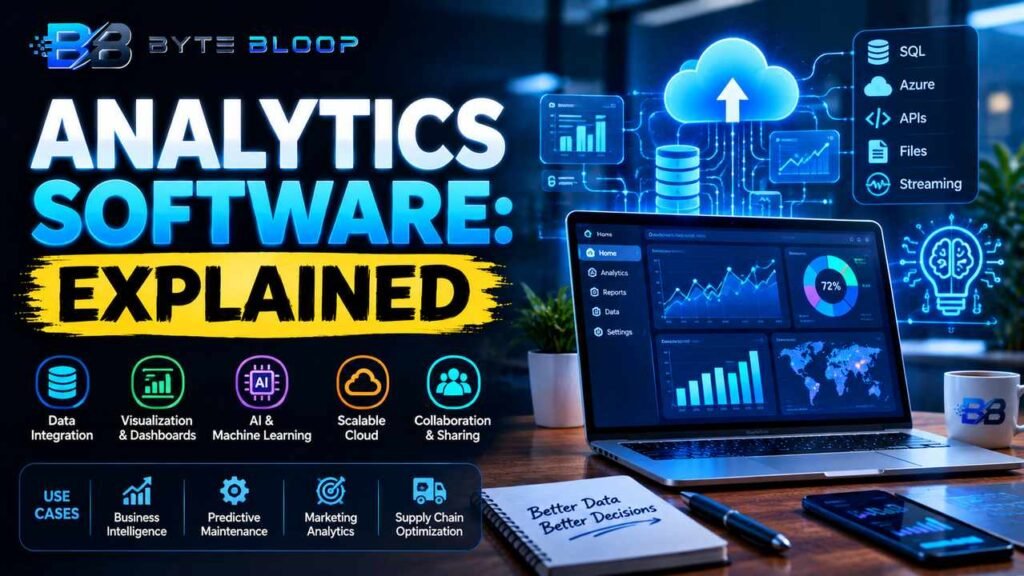
Analytics Software: Explained
Introduction
Analytics software is the backbone of modern data‑driven decision making. It gathers, cleans, visualizes, and interprets data from disparate sources, turning raw numbers into actionable intelligence. In 2026, the pace of data generation has accelerated, making robust analytics platforms essential for businesses that want to stay competitive. These tools range from simple dashboards to AI‑powered predictive engines that forecast market trends. They empower teams to spot opportunities, mitigate risks, and optimize operations across finance, marketing, supply chain, and customer experience. Understanding what analytics software does, its core components, and how to choose the right solution is crucial for any organization that relies on data to drive strategy. This guide breaks down the essentials of analytics software, highlights top tools, and offers practical tips for selecting and implementing the right platform for your needs.
What Is Analytics Software?
Analytics software refers to a suite of applications that enable users to collect data, perform statistical analysis, and generate visual reports. It typically includes data ingestion, cleaning, transformation, modeling, and presentation layers. The goal is to provide insights that can inform business decisions, identify trends, and predict future outcomes. According to the 2026 guide from Infinisynapse, modern analytics platforms are increasingly AI‑native, meaning they embed machine learning models directly into the workflow to automate insights and reduce manual effort.
Core Features of Modern Analytics Platforms
- Data Integration: Connects to SQL databases, cloud storage, APIs, and streaming sources.
- Self‑Service BI: Drag‑and‑drop dashboards that let non‑technical users explore data.
- Advanced Analytics: Statistical modeling, clustering, and time‑series forecasting.
- AI & Machine Learning: Automated anomaly detection, predictive scoring, and natural language queries.
- Collaboration & Sharing: Role‑based access, comment threads, and export options.
When to Use Analytics Software
Analytics tools are valuable whenever you need to transform data into decisions. Typical use cases include:
- Business Intelligence: Monthly sales dashboards and executive reports.
- Predictive Maintenance: Forecasting equipment failures in manufacturing.
Targeted marketing campaigns based on behavioral clusters. - Operational Optimization: Supply‑chain demand forecasting and inventory management.
Pros and Cons
- Pros: Rapid insight generation, democratized data access, scalable architecture, and AI automation.
- Cons: Requires data governance, can be costly, and may demand specialized skills for advanced modeling.
Practical Examples of Analytics Software in Action
Consider a retail chain using a dashboard that aggregates foot‑traffic data from sensors and correlates it with sales. By visualizing peak times, the store can adjust staffing and inventory levels in real time. In finance, a bank might deploy a predictive model that flags high‑risk loan applicants before approval, reducing default rates. These examples illustrate how analytics software can be applied across industries to drive efficiency and profitability.
Pricing and Licensing Models
Analytics platforms typically offer subscription‑based pricing, often tiered by user count or data volume. Some providers, like ThoughtSpot and Domo, offer pay‑per‑user plans, while others like Splunk provide usage‑based billing for large data ingestion. Free or open‑source options such as Apache Superset or Metabase are also viable for smaller teams or pilot projects.
Choosing the Right Tool
When evaluating options, consider your organization’s data maturity, technical skill set, and budget. The 2026 guide from Splunk lists 12 must‑have tools, emphasizing the importance of aligning features with business goals. A good fit often balances ease of use for analysts with depth for data scientists.
Key Takeaways
- Analytics software turns raw data into strategic insights
- Core features include data integration, self‑service BI, and AI modeling
- Use cases span BI, predictive maintenance, and customer segmentation
- Pros: rapid insights and democratized access; Cons: cost and governance needs
- Pricing varies from subscription to usage‑based models
Frequently Asked Questions
What is analytics software?
Analytics software is a set of tools that collects, cleans, analyzes, and visualizes data to provide actionable insights for business decisions.
What are the key features of analytics software?
Key features include data integration, self‑service dashboards, advanced statistical analysis, AI and machine learning capabilities, and collaboration tools.
What are the best use cases for analytics software?
Common use cases are business intelligence reporting, predictive maintenance, customer segmentation, and operational optimization.
What are the pros and cons of analytics software?
Pros include rapid insight generation, democratized data access, and AI automation. Cons involve cost, data governance requirements, and potential skill gaps.
Conclusion
Based on the available information and industry analysis, analytics software provides a powerful framework for transforming raw data into actionable insights, enabling organizations to make data‑driven decisions faster and more accurately. By selecting a platform that aligns with business goals and technical capabilities, companies can unlock significant value across marketing, operations, and finance.
Related Reading
- Top Predictive Analytics Tools for 2026
Sources & References