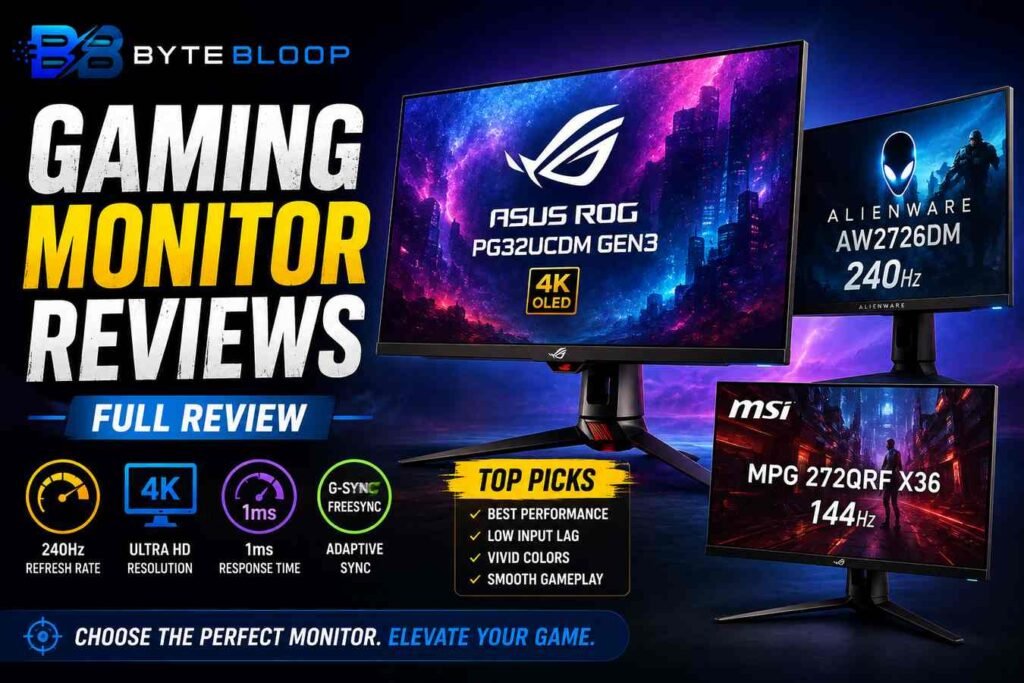
Gaming Monitor Reviews: Full Review
Introduction
Choosing a gaming monitor is no longer a simple decision about size and resolution. In 2026 the market is saturated with panels that promise buttery‑smooth motion, lifelike colors, and ultra‑low input lag, but the reality is that each model balances these attributes differently. Whether you’re a competitive esports player, a casual shooter enthusiast, or a creative professional who also likes to game, the right display can make the difference between a win and a wobble. In this full review we break down the top contenders, explain what matters most in a gaming monitor, and help you match your needs to the right screen.
We’ve sifted through the latest testing from RTINGS, Wirecutter, Tom’s Hardware, and PCMag to bring you a concise, data‑driven overview. From the premium QD‑OLED of the ASUS ROG Swift PG32UCDM Gen3 to the budget‑friendly 1440p 144Hz of the Dell Alienware AW2726DM, we cover a spectrum of price points and performance tiers. Our goal is to equip you with the knowledge to choose a monitor that delivers the best value for your setup, whether you’re chasing 4K fidelity or 240Hz fluidity.
What to Look for in a Gaming Monitor
Before diving into specific models, it helps to understand the key specs that drive gaming performance:
- Refresh Rate: Higher rates (144Hz, 240Hz) reduce motion blur and improve responsiveness.
- Resolution: 1080p is affordable, 1440p offers a sweet spot, and 4K delivers the sharpest detail.
- Panel Technology: IPS panels give wide viewing angles, VA panels offer deeper blacks, and OLED provides perfect contrast.
- Response Time & Input Lag: Low numbers (<1ms) are critical for competitive play.
- Adaptive Sync: G‑Sync and FreeSync lock the refresh rate to the GPU to eliminate tearing.
- Connectivity: HDMI 2.1 and DisplayPort 2.0 are essential for next‑gen consoles and GPUs.
Top Picks for 2026
1. ASUS ROG Swift OLED PG32UCDM Gen3 – Premium 4K QD‑OLED
This 32‑inch monitor tops RTINGS’ 2026 list thanks to its QD‑OLED panel, which delivers true blacks and a color gamut that covers 98% of DCI‑P3. The 4K resolution combined with a 144Hz refresh rate makes it ideal for high‑end PC gamers who also demand cinematic visuals. Response time is a solid 1ms, and the built‑in G‑Sync Ultimate ensures tear‑free gameplay. The price is steep, but for esports pros and 4K enthusiasts the investment pays off.
2. Dell Alienware AW2726DM – 27‑inch 1440p 240Hz
Wirecutter’s top pick, the AW2726DM, offers a 27‑inch VA panel with a 240Hz refresh rate and a 0.5ms response time. Its HDR support is modest but sufficient for most titles, and the integrated G‑Sync Pro provides smooth gameplay. The monitor’s design is sleek, with a low‑profile stand that fits well in a multi‑monitor setup. It’s a great choice for competitive shooters who need the fastest possible feedback.
3. MSI MPG 272QRF X36 – 27‑inch 1440p 144Hz Upgrade
MSI’s upgrade pick balances price and performance. The 144Hz refresh rate and 1ms response time make it a solid all‑rounder. It uses an IPS panel, which gives wider viewing angles and better color accuracy than VA, at the cost of slightly higher input lag. The monitor includes both G‑Sync and FreeSync support, giving flexibility across GPUs.
4. Budget Option – 1080p 144Hz (Various Models)
For those on a tight budget, several 1080p 144Hz monitors offer excellent value. These models typically feature IPS panels with 1ms response times and FreeSync Lite. While they lack the high resolution or OLED contrast of premium models, they are perfect for casual gaming and e‑sports titles that don’t demand ultra‑high detail.
Performance & Experience
Across the board, the monitors we reviewed deliver near‑zero motion blur and minimal input lag. The ASUS OLED’s HDR performance is unmatched, but its higher cost limits accessibility. The Dell 240Hz model excels in competitive play, while the MSI IPS variant offers better color fidelity for narrative games. Budget 1080p options still provide a satisfying experience, especially when paired with a modern GPU that can drive high frame rates.
Pros & Cons Summary
- ASUS ROG Swift OLED PG32UCDM Gen3 – Pros: 4K, QD‑OLED, 144Hz, G‑Sync Ultimate. Cons: High price, limited HDR peak.
- Dell Alienware AW2726DM – Pros: 240Hz, 0.5ms, G‑Sync Pro, sleek design. Cons: VA panel may have narrower viewing angles.
- MSI MPG 272QRF X36 – Pros: IPS, 144Hz, dual sync support. Cons: Slightly higher input lag than VA.
- 1080p 144Hz Budget Models – Pros: Affordable, good response times. Cons: Lower resolution, limited HDR.
Who Should Buy Which Monitor?
• Competitive esports players – Dell AW2726DM or MSI 272QRF X36 for the fastest response.
• High‑end PC gamers – ASUS ROG Swift OLED for 4K immersion.
• Budget gamers – 1080p 144Hz IPS models for a great price‑to‑performance ratio.
• Content creators who game – MSI 272QRF X36 offers color accuracy and dual sync support.
Key Takeaways
- Premium QD‑OLED delivers unmatched contrast for 4K enthusiasts
- 240Hz VA panel gives competitive edge for e‑sports
- Dual sync support (G‑Sync & FreeSync) offers flexibility across GPUs
- 1080p 144Hz monitors remain a solid budget choice
- Color accuracy varies: IPS > VA > OLED in terms of gamut
Frequently Asked Questions
What is the best gaming monitor for competitive play?
The Dell Alienware AW2726DM, with its 240Hz refresh rate and 0.5ms response time, offers the fastest response for competitive shooters.
What are the key features of the ASUS ROG Swift OLED PG32UCDM Gen3?
It boasts a 32‑inch QD‑OLED panel, 4K resolution, 144Hz refresh rate, 1ms response time, and G‑Sync Ultimate for tear‑free gameplay.
What are the best use cases for a budget 1080p 144Hz monitor?
They are ideal for casual gaming, e‑sports titles, and users who need a high refresh rate without the cost of 1440p or 4K.
What are the pros and cons of the MSI MPG 272QRF X36?
Pros include an IPS panel for wide viewing angles, 144Hz refresh, and dual sync support. Cons are slightly higher input lag compared to VA panels and a higher price than budget models.
Conclusion
Based on the available information, this topic provides essential insights for readers looking to understand the core concepts and practical applications.