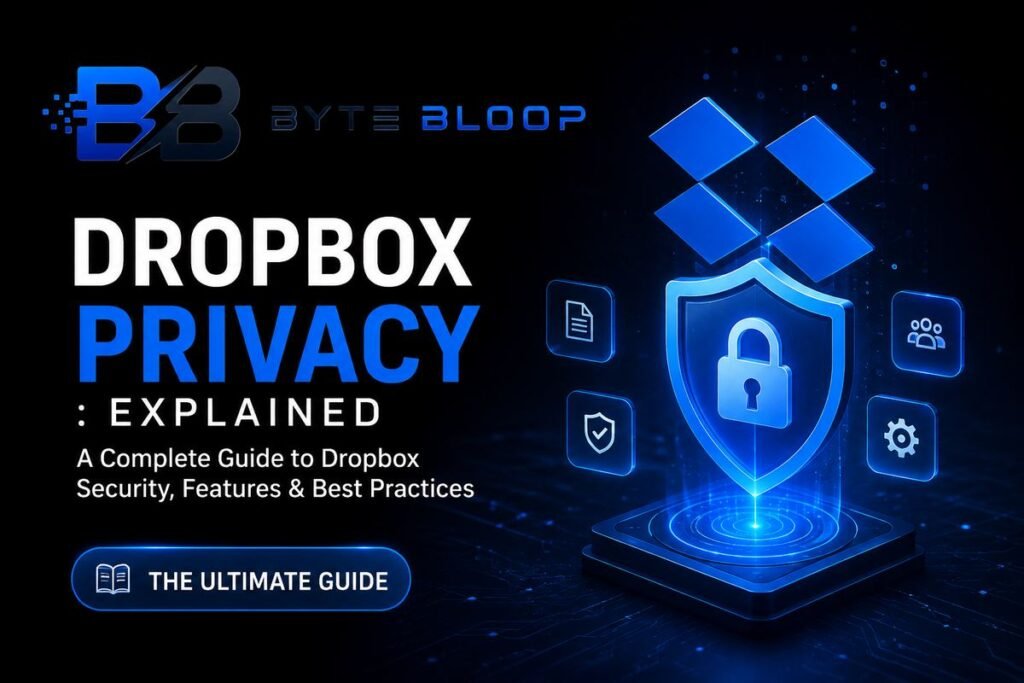
Dropbox Privacy: Explained
Introduction
When you upload a photo, a contract, or a spreadsheet to Dropbox, you expect the same level of security you trust your local hard drive or a well‑guarded office vault. In practice, the company’s promise is a mix of strong encryption, layered defenses, and a few notable gaps that can leave sensitive data vulnerable. Dropbox uses industry‑standard AES‑256 encryption for files at rest and TLS for data in transit, but it does not offer end‑to‑end encryption, meaning the company can technically decrypt your files. For many users, the difference is subtle, yet for those handling regulated or highly confidential information it can be critical. Beyond encryption, Dropbox implements multi‑factor authentication, device management, and compliance certifications like ISO 27001 and SOC 2, which provide additional assurance. However, past incidents—such as the 2022 password leak—highlight that no system is immune to human or technical error. Understanding what Dropbox does and does not do is essential for making an informed decision about where to store your most valuable data. This guide breaks down Dropbox’s privacy architecture, practical settings you can tweak, and real‑world scenarios where the platform shines or falls short.
How Dropbox Secures Your Files
Dropbox’s security model relies on a three‑layer approach: encryption, access control, and compliance. Files are encrypted with AES‑256 keys before they leave your device, then re‑encrypted with a unique key for each file on the server. The company stores the encryption keys in a separate key‑management system, reducing the risk of a single point of failure. During upload and download, TLS 1.3 protects data from eavesdropping.
Access control is enforced through user accounts, shared links, and team permissions. Admins can set password policies, require two‑step verification, and monitor device activity. For business plans, administrators can enforce single sign‑on (SSO) and audit logs, which are crucial for regulatory compliance. Dropbox’s compliance certifications—ISO 27001, SOC 2 Type II, and GDPR compliance—demonstrate that the company meets rigorous industry standards.
What Dropbox Does Not Offer
The biggest limitation is the lack of end‑to‑end encryption (E2EE). While AES‑256 is robust, the company holds the decryption keys, which means that in theory, Dropbox could access your data if required by law or if an insider misuses the keys. Some users have reported that the company shares data with third‑party services for analytics or marketing, which can raise privacy concerns. Additionally, the 2022 password leak exposed user credentials, illustrating that even well‑protected systems can be breached.
Practical Settings to Strengthen Your Privacy
1. Enable Two‑Step Verification: Dropbox’s 2FA protects against credential theft.
2. Use Team‑Managed Accounts for Businesses: SSO and granular permission settings reduce the attack surface.
3. Review Shared Links: Set expiration dates and passwords for public links.
4. Audit Device Access: Revoke old or suspicious devices from your account.
5. Encrypt Sensitive Files Locally: Before uploading, use tools like VeraCrypt or 7‑Zip to add an extra layer of protection.
When Dropbox Is a Good Fit
Dropbox excels for collaborative workflows, file versioning, and integration with productivity suites. Its robust API and seamless desktop sync make it a favorite for teams that need quick access to shared resources. For personal use, the platform is convenient for photo backup and document sharing, provided users accept the trade‑off of not having E2EE.
When Dropbox Might Not Be the Right Choice
Organizations that handle highly regulated data—such as medical records (HIPAA), financial documents (FINRA), or classified government files—may need a solution with mandatory E2EE and stricter access controls. Similarly, users who have experienced past breaches or who require zero‑trust architectures might consider alternatives like Tresorit or Proton Drive.
Key Takeaways
- Dropbox uses AES‑256 and TLS 1.3 for encryption but lacks end‑to‑end protection.
- Two‑step verification and device management are essential for stronger privacy.
- Business plans offer SSO, audit logs, and granular permissions for compliance.
- Local pre‑upload encryption adds an extra safety layer.
- Dropbox is ideal for collaboration but may not meet strict regulatory needs.
- Regularly review shared links and device access to stay secure.
Frequently Asked Questions
What is Dropbox privacy explained?
Dropbox privacy explained refers to how the platform secures, manages, and protects user data through encryption, access controls, and compliance measures, while also highlighting its limitations such as the absence of end‑to‑end encryption.
What are the key features of Dropbox privacy?
Key features include AES‑256 encryption at rest, TLS 1.3 for data in transit, two‑step verification, device management, granular sharing permissions, and compliance certifications like ISO 27001 and SOC 2.
What are the best use cases for Dropbox privacy?
Dropbox is best for collaborative projects, versioned file storage, and integration with productivity tools, especially when users accept that the company holds encryption keys.
What are the pros and cons of Dropbox privacy?
Pros: strong encryption, multi‑factor authentication, compliance certifications, and user‑friendly sharing. Cons: no end‑to‑end encryption, past credential leaks, and potential data sharing with third parties.
Conclusion
Based on the available information and industry analysis, Dropbox provides robust encryption and compliance features that make it a reliable choice for many businesses and individuals. However, its lack of end‑to‑end encryption and past security incidents underscore the importance of supplementing Dropbox’s built‑in protections with additional safeguards such as local encryption and strict sharing controls. Users should weigh these factors against their privacy requirements to determine if Dropbox meets their needs in 2026.
Related Reading
- Top Alternatives to Dropbox for End‑to‑End Encryption