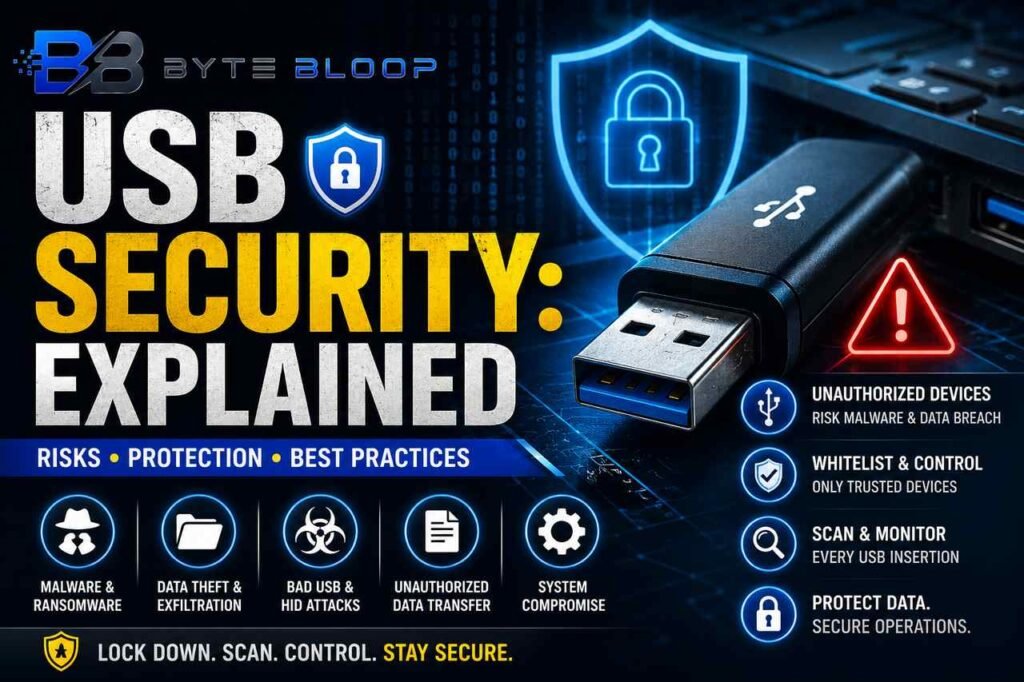
USB Security: Explained
Introduction
USB ports have become a staple of modern computing, offering a quick and convenient way to transfer files, power devices, and connect peripherals. Yet this convenience also creates a vulnerable entry point for attackers. When a malicious USB device is inserted, it can silently install malware, exfiltrate data, or even take control of a system without the user’s knowledge. Understanding how USB security works, why it matters, and how to mitigate risks is essential for both individuals and organizations that rely on these ports for daily operations.
At its core, USB security is about controlling what devices can communicate with a host system. The protocol itself lacks built‑in authentication or encryption, meaning any device that follows the USB specification can be trusted by default. This “trust‑nothing‑by‑default” approach is why many security frameworks recommend strict whitelisting and continuous monitoring. By limiting USB usage to known, vetted devices and scanning every insertion, businesses can prevent the silent spread of ransomware, keyloggers, and other threats.
For home users, the risks are no less significant. A single infected USB stick can compromise personal data, spread to connected devices, and even create a backdoor for remote attackers. Security software alone is insufficient; it must be complemented by user awareness and device controls. Practical steps like disabling auto‑run, using secure USB hubs, and keeping firmware up to date can dramatically reduce exposure.
In industrial settings, the stakes rise dramatically. Manufacturing plants, power grids, and transportation systems often rely on legacy equipment that only accepts USB input for firmware updates or data logging. A compromised USB port in such environments can lead to sabotage, downtime, or safety incidents. Policies that enforce USB whitelisting, regular scanning, and file sanitization are therefore critical components of operational technology (OT) security.
Beyond policy, technical solutions such as endpoint detection and response (EDR) agents, USB‑specific firewalls, and hardware‑based port blockers can add layers of defense. However, each solution introduces trade‑offs in usability and cost. A balanced approach that blends policy, technology, and user training yields the most resilient protection against USB‑borne threats.
When selecting a USB security strategy, consider the following factors: the sensitivity of the data handled, the threat landscape of the industry, the existing IT infrastructure, and the user base’s technical proficiency. A one‑size‑fits‑all solution rarely works; instead, tailor controls to match risk appetite and operational constraints.
Ultimately, USB security is not a one‑time fix but an ongoing process. Regular audits, firmware updates, and user education keep defenses sharp against evolving attack vectors. By treating USB ports as potential attack surfaces rather than harmless conveniences, organizations and individuals can safeguard their digital assets and maintain trust in their devices.
Key Takeaways
- USB lacks built‑in authentication, making every device a potential threat.
- Whitelisting and continuous scanning are core to effective USB control.
- Industrial environments require stricter policies due to higher stakes.
- Endpoint tools and hardware blockers add valuable layers of defense.
- User awareness and firmware updates are essential complements to technical controls.
Frequently Asked Questions
What is USB security explained?
USB security refers to the practices, policies, and technologies used to protect systems from threats that enter through USB ports, such as malware, data theft, and unauthorized access.
What are the key features of a robust USB security policy?
Key features include device whitelisting, mandatory scanning of all USB insertions, file sanitization, strict access controls, and continuous monitoring of USB activity.
What are the best use cases for USB control in businesses?
Businesses that handle sensitive data, operate in regulated industries, or manage critical infrastructure benefit most from USB control to prevent data loss, insider threats, and operational disruptions.
What are the pros and cons of hardware USB blockers?
Pros: They physically prevent unauthorized devices and are simple to deploy. Cons: They can block legitimate use, may require manual override, and do not protect against already compromised devices.
Conclusion
Based on the available information and industry analysis, USB security provides a critical line of defense against a wide range of cyber threats, from ransomware to data exfiltration. By combining policy, technology, and user education, organizations can transform USB ports from potential vulnerabilities into controlled, secure interfaces that protect both data and operations.
Related Reading
- Protecting Your Mobile Devices from USB‑Based Attacks
Sources & References