Ideogram: Key Features
Introduction (Ideogram Key Features)
Ideogram Key Features is a topic worth understanding well. Ideogram has quickly become a go‑to platform for designers who need crisp text inside images. The tool blends a user‑friendly interface with powerful AI models that understand typography and layout. Because it offers a single API for multiple image and video models, teams can streamline creative workflows without juggling separate services.
At its core, Ideogram focuses on legible multilingual text, a feature that sets it apart from generic generators. The platform’s 4.0 model was built specifically for design work, delivering bounding‑box control and accurate spelling across languages. Users can also harness reference images to guide style, ensuring brand consistency.
Beyond image generation, Ideogram supports video creation, API access, and a free tier that lets creators experiment before committing to paid plans. These capabilities make it a versatile tool for everything from social media graphics to corporate branding assets.
In this guide, we break down the key features that make Ideogram stand out, illustrate practical use cases, and compare it to alternatives. We also address common questions and provide a concise conclusion based on current research.
Core Features of Ideogram
1. Text‑centric Image Generation
This matters directly for anyone exploring ideogram key features.
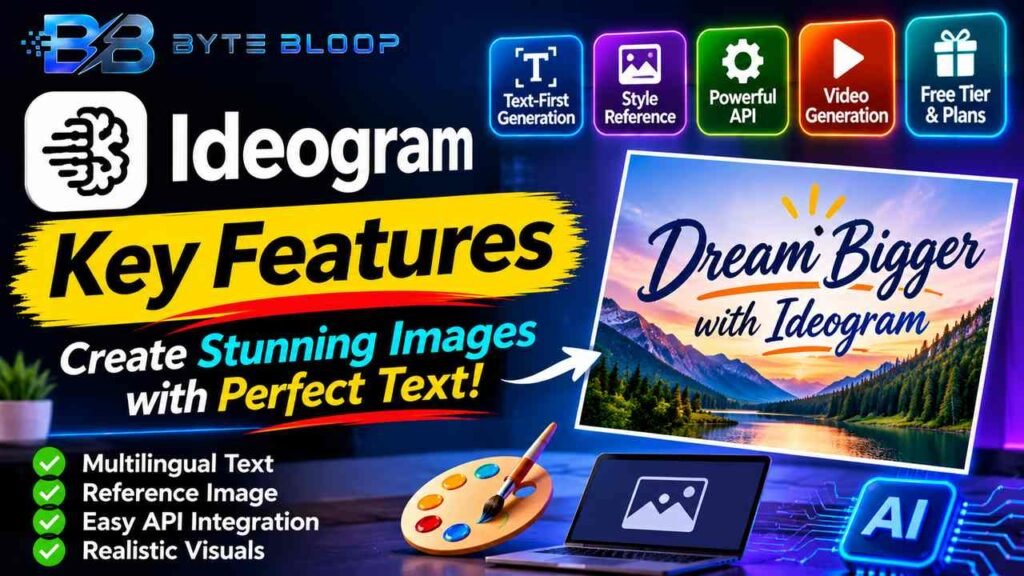
Ideogram’s 4.0 model excels at embedding readable text within images. According to the Ideogram Review (2026), the model supports multilingual scripts and offers bounding‑box control, allowing designers to specify exact placement. This precision is critical for infographics, posters, and product mockups.
2. Style Reference and Visual Fidelity
Users can upload reference images that guide the AI’s output. The 3.0 guide notes that this feature improves photorealism and style consistency, making it easier to match brand aesthetics. The model also supports advanced visual fidelity, reducing artifacts that often plague other generators.
Getting ideogram key features right can make a real difference.
3. API and Automation
Ideogram provides a robust API that integrates with design pipelines. The 2026 guide highlights best practices such as tracking output cost and setting user budget limits. This makes Ideogram suitable for agencies that need to automate bulk asset creation while controlling expenses.
4. Video Generation
That is a core part of understanding ideogram key features.
Unlike many competitors, Ideogram offers a video generation endpoint. Creators can generate short clips with text overlays, useful for explainer videos and dynamic social media content.
5. Free Tier and Pricing
Ideogram offers a free plan with weekly image limits, ideal for experimentation. Paid plans start at $15 per month, giving users higher quotas and priority rendering. The pricing structure is transparent and scales with usage.
Many readers look into ideogram key features for exactly this reason.
Practical Use Cases
Branding Assets
Marketers can produce consistent logos, banners, and social media graphics by feeding brand guidelines into the reference image workflow.
Educational Materials
It is worth revisiting ideogram key features as things develop.
Teachers can generate infographics with multilingual captions, ensuring accessibility for diverse classrooms.
Marketing Campaigns
Agencies can automate ad creative generation, leveraging the API to produce thousands of variations quickly.
Ideogram Key Features remains highly relevant here.
Alternatives to Consider
While Ideogram shines in text rendering, other tools like Midjourney or Stable Diffusion offer broader creative flexibility. For teams prioritizing brand consistency, Ideogram’s reference image feature provides a competitive edge.
Pros and Cons
Pros
- High-quality text rendering across languages
- Easy reference image workflow
- Comprehensive API for automation
- Video generation capability
Cons
This is a key consideration when it comes to ideogram key features.
- Limited free tier may restrict heavy users
- Learning curve for advanced bounding‑box settings
Key Takeaways
- Ideogram excels at embedding legible multilingual text
- Reference image workflow ensures brand consistency
- Robust API supports automated design pipelines
- Video generation expands creative possibilities
- Free tier allows experimentation before paid plans
Frequently Asked Questions
What is Ideogram?
Ideogram is an AI platform that specializes in generating images and videos with clear, multilingual text and offers a single API for multiple models.
What are the key features of Ideogram?
Key features include text‑centric image generation, style reference guidance, bounding‑box control, a robust API, video generation, and a free tier with paid upgrades.
What are the best use cases for Ideogram?
Ideal for branding assets, educational infographics, marketing campaigns, and any project that requires readable text within images or videos.
What are the pros and cons of Ideogram?
Pros: high‑quality text rendering, brand consistency tools, API automation, video support. Cons: limited free usage, learning curve for advanced features.
Conclusion
Based on the available information and industry analysis, Ideogram provides a specialized solution for designers needing precise text rendering and brand consistency, backed by a flexible API and video capabilities that set it apart from general-purpose image generators.
Related Reading
- Comparing AI Image Generators: Ideogram vs. Midjourney
Sources & References
- Ideogram | AI apps and models in one platform
- Ideogram Docs: Welcome to Ideogram
- Ideogram Review (2026): Ideogram 4.0 Features and Pricing
- Ideogram AI 2026: Free Plan, Paid From $15/mo, Alternatives
- How to Use Advanced Ideogram AI Features Full Guide 2026
- Ideogram AI Guide 2026: Brand Design Automation, API …
- What Is Ideogram V2? Improved AI Image Generation with …
- A Guide to Using Ideogram 3.0: Detailed explanation of the …
Related Articles