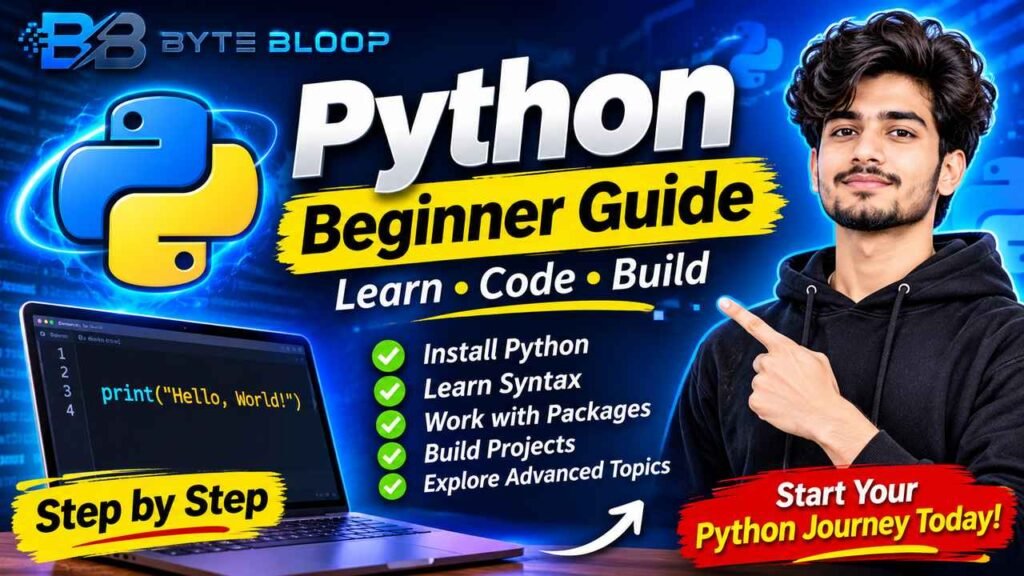
Python: Beginner Guide
Introduction (Python Beginner Guide)
Python Beginner Guide is a topic worth understanding well. Python has become the go‑to language for beginners worldwide, thanks to its clean syntax, extensive libraries, and supportive community. Whether you’re a student, a hobbyist, or a professional looking to expand your skill set, mastering Python opens doors to web development, data science, automation, and more. This guide walks you through the essential steps—from installing Python to writing your first script—so you can hit the ground running. By the end, you’ll understand why Python remains a top choice for newcomers and how to structure a learning path that keeps you motivated and productive.
Step 1: Install Python and Set Up Your Environment
Before you write code, you need a working Python installation. According to the Python.org Getting Started guide, the official installer is available for Windows, apple.com/macos” target=”_blank” rel=”noopener noreferrer”>macOS, and Linux. Download the latest stable release, run the installer, and make sure to tick the option that adds Python to your system PATH. This allows you to launch Python from any terminal window.
After installation, open a terminal and type python --version to confirm the setup. You should see something like Python 3.12.1. Next, install a lightweight code editor such as Visual Studio Code or Sublime Text. These editors support Python extensions that provide syntax highlighting, linting, and debugging tools.
This matters directly for anyone exploring python beginner guide.
Step 2: Learn the Core Syntax
Python’s readability stems from its use of indentation to delimit blocks. A simple “Hello, World!” program looks like this:
Getting python beginner guide right can make a real difference.
print("Hello, World!")Key concepts to master early include variables, data types, control flow, and functions. For example, a basic function that adds two numbers:
That is a core part of understanding python beginner guide.
def add(a, b):
    return a + b

result = add(3, 5)
print(result)
Use interactive sessions (the Python REPL) to experiment with expressions and test snippets before moving them into files.
Many readers look into python beginner guide for exactly this reason.
Step 3: Work With Packages and Virtual Environments
Python’s ecosystem is built around packages. The pip tool installs libraries from the Python Package Index (PyPI). To keep project dependencies isolated, create a virtual environment:
It is worth revisiting python beginner guide as things develop.
python -m venv myenv
source myenv/bin/activate   # On Windows use myenv\Scripts\activate
pip install requests
After activating the environment, any pip install commands affect only that project. This practice prevents version clashes and ensures reproducibility.
Python Beginner Guide remains highly relevant here.
Step 4: Build Small Projects to Reinforce Learning
Applying concepts in real projects solidifies understanding. Start with simple tasks such as a command‑line calculator, a web scraper using requests and BeautifulSoup, or a basic Flask web app. According to a DataCamp guide, writing real programs early helps cement syntax and logic patterns.
This is a key consideration when it comes to python beginner guide.
As you grow more comfortable, add complexity: integrate APIs, handle JSON data, or write unit tests with unittest or pytest. Each project should introduce at least one new library or concept.
This matters directly for anyone exploring python beginner guide.
Step 5: Explore Advanced Topics and Specializations
Once you’re confident with fundamentals, dive into areas that match your interests. For web development, learn Django or FastAPI. For data science, explore NumPy, pandas, and matplotlib. For automation, study subprocess and os modules. The Coursera Python Learning Roadmap outlines a progression from core concepts to specialized tracks.
Common Pitfalls for Beginners
- Ignoring indentation. Python will throw an
IndentationErrorif blocks are misaligned. - Mixing tabs and spaces. Stick to spaces, as recommended by PEP 8.
- Hard‑coding values. Use variables and functions to keep code reusable.
- Skipping documentation. Add comments and docstrings to explain intent.
Best Practices for Sustainable Learning
- Read the official documentation. The Python.org docs are the authoritative source.
- Practice consistently. Even 15 minutes daily can accelerate progress.
- Join communities. Stack Overflow, Reddit’s r/learnpython, and local meetups offer support.
- Contribute to open source. Small fixes on GitHub projects expose you to real‑world codebases.
Key Takeaways
- Install Python and add it to PATH
- Master core syntax: variables, control flow, functions
- Use virtual environments to isolate project dependencies
- Build small projects to apply concepts
- Explore specialized libraries for web, data, or automation
Frequently Asked Questions
What is Python and why is it beginner-friendly?
Python is a high‑level, interpreted language known for its readable syntax and extensive standard library, making it ideal for newcomers.
How do I set up a Python development environment?
Download the official installer from python.org, add Python to your system PATH, and use a code editor with Python extensions.
What are virtual environments and why should I use them?
Virtual environments create isolated spaces for project dependencies, preventing conflicts between packages and ensuring reproducibility.
What should my first Python project look like?
Start with a simple script such as a command‑line calculator or a basic web scraper to practice variables, loops, and libraries.
Conclusion
Based on the available information and industry analysis, Python continues to dominate as the preferred language for beginners due to its straightforward syntax, rich ecosystem, and strong community support. By following a structured learning path—installing the language, mastering core concepts, leveraging virtual environments, and building incremental projects—new programmers can quickly transition from novices to competent developers ready to tackle web, data, or automation challenges.
Related Reading
- Top 5 Python Libraries Every Beginner Should Know
Sources & References
- Python Tutorial for Beginners 2026 — Master Python in One Video: From Beginner to Advanced*
- Python Tutorial — Start with Python fundamentals, including installation and concepts needed to start programming with Python
- Python For Beginners — Welcome! Are you completely new to programming?
- How to Learn Python From Scratch in 2026: An Expert Guide — Learning Python from scratch follows 6 steps: set up, learn the core syntax, write real programs, learn your path’s libraries, build projects, …
- Comprehensive Python Learning Path: Beginner to Expert … — This guide offers a step-by-step Python roadmap, from core concepts and practical projects to specializations like data science or web …
Related Articles