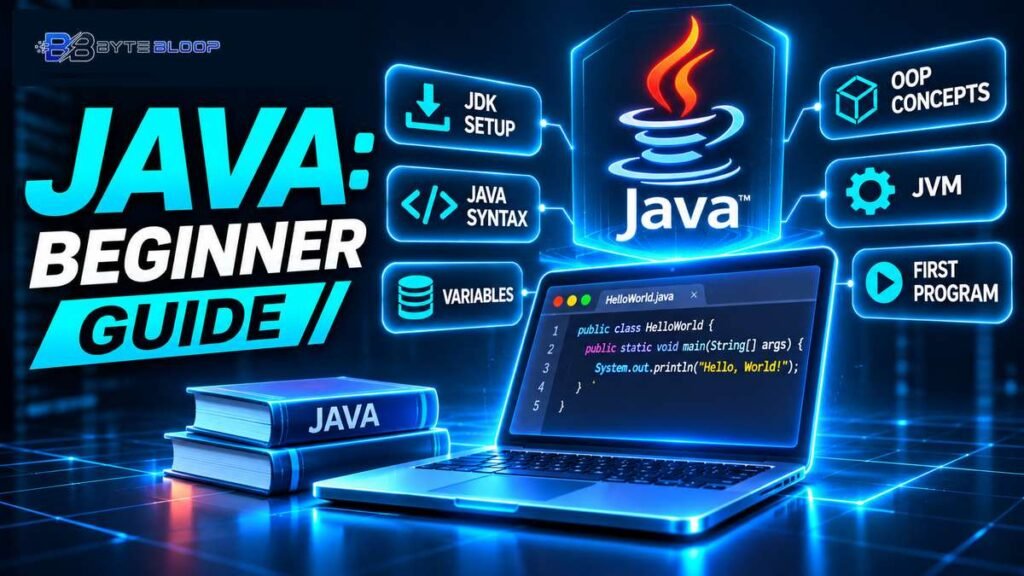
Java: Beginner Guide
Introduction (Java Beginner Guide)
Java Beginner Guide is a topic worth understanding well. Java remains one of the most widely used programming languages, powering everything from enterprise servers to Android apps. Its design emphasizes readability, portability, and robustness, making it an ideal starting point for newcomers to software development. A solid grasp of Java’s core concepts—such as object‑oriented principles, memory management, and the Java Virtual Machine—provides a foundation that translates across many modern languages.
In this guide, we’ll walk through the essentials of Java, from installing a JDK to writing your first program, and explore practical tips that accelerate learning. By the end, you’ll understand why Java’s syntax is both strict and expressive, and how to structure code that is easy to maintain and scale. Whether you’re aiming for a career in backend development or simply want to build a personal project, mastering Java opens doors to a vast ecosystem of libraries and frameworks.
Let’s dive into the world of Java and discover how to turn concepts into working code.
Getting Started: Environment Setup
Before writing Java, you need a Java Development Kit (JDK). The latest LTS release, JDK 21, includes the compiler, runtime, and essential tools. Download the installer from the official Oracle site or adopt an open‑source distribution like OpenJDK. After installation, set the JAVA_HOME environment variable and update your PATH so that javac and java are globally accessible.
Verify the setup by running java -version and javac -version in a terminal. Both commands should return the same version number. If not, double‑check the environment variables.
This matters directly for anyone exploring java beginner guide.
First Program: The Classic “Hello, World!”
A minimal Java application contains a single class with a main method, the entry point for execution. Create a file named HelloWorld.java:
Getting java beginner guide right can make a real difference.
public class HelloWorld {
    public static void main(String[] args) {
        System.out.println("Hello, World!");
    }
}
Compile with javac HelloWorld.java and run with java HelloWorld. The output should display Hello, World!. This exercise demonstrates file naming conventions, class declaration, and the System.out.println method.
That is a core part of understanding java beginner guide.
Core Language Features
Variables and Data Types
Java is statically typed, meaning each variable’s type is known at compile time. Primitive types include int, double, boolean, and char. Reference types encompass classes, interfaces, and arrays. Declaring a variable:
Many readers look into java beginner guide for exactly this reason.
int count = 10;
double price = 19.99;
boolean isActive = true;
String name = "Alice";
Choosing the correct type reduces memory usage and prevents runtime errors.
It is worth revisiting java beginner guide as things develop.
Control Structures
Java offers if, switch, loops (for, while, do‑while), and exception handling with try, catch, and finally. Example of a loop:
Java Beginner Guide remains highly relevant here.
for (int i = 0; i < 5; i++) {
    System.out.println(i);
}
Object‑Oriented Foundations
Java is built around objects. Key concepts include:
This is a key consideration when it comes to java beginner guide.
- Classes: blueprints that define fields and methods.
- Objects: instances of classes.
- Inheritance:
extendskeyword allows a subclass to inherit behavior. - Polymorphism: method overriding and interface implementation enable flexible code.
- Encapsulation: access modifiers (
public,private,protected) control visibility.
Common Pitfalls for Beginners
- Forgetting the semicolon: Java requires a semicolon after every statement.
- Mismatched braces: Ensure every opening brace has a closing counterpart.
- NullPointerException: Always validate objects before dereferencing.
- Hard‑coding values: Use constants or configuration files for maintainability.
Best Practices for Clean Java Code
- Follow the Java Naming Conventions: classes in PascalCase, methods and variables in camelCase.
- Keep methods short and focused; aim for a single responsibility.
- Document public APIs with Javadoc comments.
- Use meaningful variable names to improve readability.
- Leverage the standard library; avoid reinventing common utilities.
Next Steps: Building Projects
After mastering fundamentals, apply your skills to real projects. Start with console applications, then progress to web frameworks like Spring Boot or mobile apps with Android Studio. Online platforms such as Codecademy and Udemy offer guided projects that reinforce concepts through hands‑on practice. Additionally, contributing to open‑source Java projects on GitHub can expose you to industry‑grade coding standards and collaboration workflows.
This matters directly for anyone exploring java beginner guide.
Key Takeaways
- Java’s strict type system reduces runtime errors.
- Object‑oriented principles enable reusable, maintainable code.
- A solid JDK setup is the foundation for all Java development.
- The “Hello, World!” program illustrates file structure and syntax.
- Following naming conventions and documentation practices improves code clarity.
Frequently Asked Questions
What is Java?
Java is a high‑level, object‑oriented programming language designed for portability across platforms, widely used for web, mobile, desktop, and enterprise applications.
What are the key features of Java?
Java offers static typing, automatic memory management, a robust standard library, and a virtual machine that ensures code runs the same on any supported OS.
What are the best use cases for Java?
Java excels in large‑scale backend services, Android app development, enterprise software, and data‑intensive applications that require stability and scalability.
What are the pros and cons of Java?
Pros include platform independence, strong community support, and extensive ecosystem. Cons involve verbose syntax, slower startup times compared to compiled languages, and a steeper learning curve for newcomers.
Conclusion
Based on the available information and industry analysis, Java remains a cornerstone of modern software development, offering a blend of reliability, scalability, and a vast ecosystem that supports both small projects and enterprise solutions. Its continued evolution, evidenced by regular updates and community contributions, ensures that newcomers and seasoned developers alike can build robust applications that meet today’s performance and security demands.
Related Reading
- Java for Android Development
- Getting Started with Spring Boot
Sources & References
- Java Full Course 2026 | Core Java Tutorial For Beginners
- Java Tutorial — 2026
- Java Tutorial: Learn Java Programming
- Java Tutorial — This tutorial will guide you step by step, with examples and exercises along the way: Java syntax and basic structure Variables, data types, and operators
Related Articles